How AI Can Automate Accounting and Warehouse Management
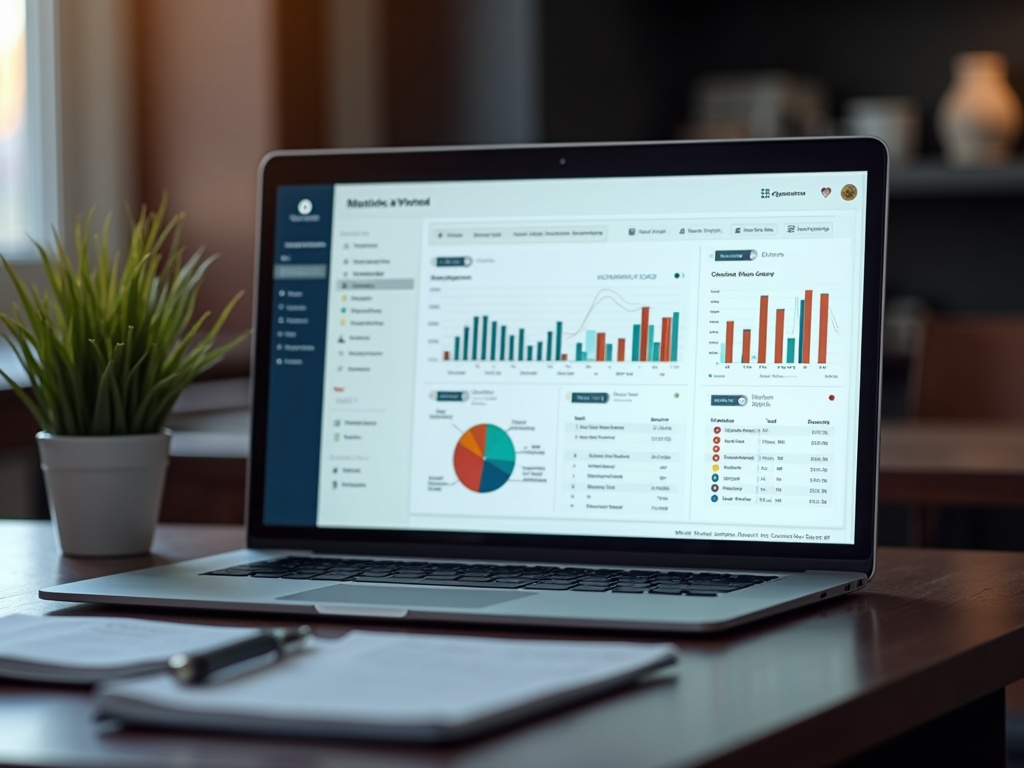
I built an invoice processing pipeline for a fulfillment company in Fort Lauderdale. Before the automation, their accounting department spent roughly 15 hours per week downloading vendor invoices from email, opening each PDF, manually typing the line items into a spreadsheet, and filing the documents. One person, essentially doing data entry two full days a week.
After the automation, that same process runs in the background on a Synology NAS in the office. Emails come in, PDFs get downloaded and renamed automatically, data gets extracted into CSV files, and the accounting team reviews the output. The 15 hours dropped to about 2 hours of review. No cloud subscription. No SaaS platform with a per-user monthly fee. Just a Python script running on hardware they already owned.
This is what practical AI automation looks like — not a flashy demo, but a boring script that saves someone two days a week.
The Manual Workflow Problem
Here's what the process looked like before automation, and it's probably familiar if you've ever worked in accounting or operations:
- A vendor sends an email with a link to download an invoice PDF
- Someone in accounting clicks the link, downloads the PDF, and saves it with a meaningful filename
- They open the PDF and manually enter data into a spreadsheet: vendor name, invoice number, date, line items, quantities, unit prices, totals
- They cross-reference the totals against purchase orders
- They file the PDF in the correct folder
- Repeat hundreds of times per month
Every step is manual. Every step is an opportunity for error. A mistyped invoice number means the payment goes to the wrong vendor. A transposed digit in the total means the books don't reconcile at month-end. And the person doing this work is an experienced accounting professional whose skills are being wasted on data entry that a machine can do perfectly.
The cost isn't just the time. It's the errors that slip through when someone is doing the same repetitive task for hours. It's the frustration. It's the opportunity cost — what could that person be doing instead if they weren't typing numbers from PDFs into spreadsheets?
The Invoice Pipeline: Email to CSV
The automation I built runs as a two-stage pipeline on a Synology NAS in the client's office. Both stages run continuously as background processes, watching for new work.
Stage 1: Email watcher to PDF downloader. A Python script monitors a designated directory for incoming .eml and .msg files. When one arrives, it parses the email, finds the invoice download link (in this case, from relay.cash), downloads the PDF, and renames it with a standardized format: VENDORNAME_MMDDYY_INVOICENUMBER.pdf. The renamed PDF is placed in a watched directory for the next stage.
Stage 2: PDF parser to CSV. A second Python script watches the output directory from Stage 1. When a new PDF appears, it opens the document with pdfplumber, extracts the structured data — invoice number, date, line items, quantities, unit prices, totals — and writes a clean CSV file with the same naming convention. The original PDF is moved to an "entered" archive directory.
The CSV output drops into a folder that the accounting team monitors. They open the spreadsheet, verify the data against the original PDF (a 30-second check instead of a 10-minute data entry task), and import it into their accounting system. If you're interested in the technical architecture behind systems like this, I've documented the approach in my automation services overview.
The pipeline doesn't require cloud services, AI APIs, or a monthly subscription. It's Python scripts running on a NAS that was already in the closet. The total additional cost was development time.
PDF Parsing with pdfplumber
The hard part of invoice automation isn't the email monitoring or the file management. It's extracting structured data from PDFs, because vendors don't standardize their invoice formats.
pdfplumber is a Python library that gives you programmatic access to the text, tables, and layout of PDF documents. It's not OCR — it reads the actual text layer of the PDF, which means it's fast and accurate for digitally generated invoices (which is most of them).
For structured invoices — the ones with clear tables, consistent column headers, and predictable layouts — extraction is straightforward. You tell pdfplumber to find the table on the page, and it returns the rows and columns as Python lists. Map the columns to your fields (Description, Quantity, Unit Price, Total), and you have clean data.
For unstructured invoices, the work is harder. Some vendors put their invoice number in a header. Some put it in a footer. Some don't use tables at all — they just have text blocks with amounts scattered across the page. For these, I use a combination of approaches:
- Regex patterns for known data formats: invoice numbers (alphanumeric sequences near "Invoice #" or "Inv."), dates (various formats), currency amounts (dollar sign + digits)
- Positional extraction for vendors with consistent but non-tabular layouts: "the total is always in the bottom-right quadrant of page 1"
- Vendor-specific templates for high-volume vendors: if 80% of your invoices come from 5 vendors, write custom parsers for those 5 and use a generic fallback for the rest
The output is always the same: a clean CSV with standardized columns, regardless of how messy the input PDF was. The accounting team never sees the parsing complexity — they just see a spreadsheet with the right data in the right columns.
Warehouse and Fulfillment Automation
The same principles that automate accounting apply to warehouse operations, and the two systems naturally connect. When an invoice is processed, it represents inventory coming in. When an order is processed, it represents inventory going out. Connecting these data flows gives you real-time visibility into what you have, what's coming, and what's going.
The warehouse automations I've built for fulfillment operations include:
Inventory tracking tied to order processing. Instead of someone walking the warehouse with a clipboard, scanning barcodes into a separate system, and manually updating a spreadsheet, the system tracks inventory automatically. Incoming shipments (parsed from vendor invoices) add to stock. Outgoing orders (pulled from the order management system) subtract. The current count is always accurate, always current.
Automated shipping label generation. When an order is ready to ship, the system generates shipping labels based on the carrier's API — USPS, UPS, FedEx, whoever. It calculates the correct rate based on weight, dimensions, and destination. It prints the label. It generates the tracking number and sends it back to the order management system. No human needs to type an address or select a shipping method.
Intelligent stock alerts. Simple threshold alerts ("notify me when SKU X drops below 50 units") are table stakes. The more useful version looks at consumption rate: "SKU X has 200 units, but you're selling 30/day and your vendor takes 10 days to deliver — you need to reorder now." This kind of predictive alerting prevents stockouts without requiring someone to manually check inventory levels every day.
For businesses managing physical inventory, these automations are transformative. If you're running a server infrastructure already, adding inventory tracking is a natural extension. The data is already flowing through your systems — the automation just connects the dots.
NAS-Based Deployment: No Cloud Required
One of the decisions I'm most satisfied with on this project was deploying everything on the client's existing Synology NAS instead of a cloud platform.
The NAS sits in their office closet. It's already on, already on the network, already backed up. Running Python scripts on it costs nothing extra. There's no AWS bill, no Azure subscription, no per-transaction fee from a SaaS invoice processing platform (which typically charge $1-5 per invoice — at hundreds of invoices per month, that adds up fast).
The technical setup:
- Python 3 installed via the Synology package manager
- watchdog library for filesystem monitoring — it watches directories for new files and triggers processing scripts
- pdfplumber for PDF parsing
- extract-msg for parsing Outlook .msg files
- nohup for running the watcher scripts as persistent background processes
- Start/stop scripts for managing the services
The watchers run 24/7. When someone forwards an invoice email to the designated folder (or an email rule does it automatically), the pipeline picks it up within seconds. The CSV appears in the output folder before the accounting person has finished their coffee.
Maintenance is minimal. The scripts have been running for months with no intervention. When a new vendor sends invoices in a format the parser doesn't handle, I SSH into the NAS, add a parsing template, and restart the watcher. Total effort: 15-20 minutes. Compare that to configuring a new vendor in an enterprise invoice processing platform.
If you're considering building AI-powered tools for your business, the NAS approach is worth considering. Not everything needs to run in the cloud. For internal automation with sensitive financial data, keeping it on-premises is often the better choice — simpler, cheaper, and more private.
ROI: The Numbers
Here's the actual impact after six months of operation:
Time Saved
13 hours/week. From 15 hours of manual processing to ~2 hours of review. That's 56 hours/month returned to the accounting team for higher-value work.
Error Reduction
~98% fewer data entry errors. Manual transcription averaged 2-3 errors per 100 invoices. Automated extraction: near zero. Reconciliation time dropped proportionally.
Scalability
Zero marginal cost. Volume doubled during peak season. The pipeline handled it without additional staff, overtime, or temp workers. The NAS didn't even notice the extra load.
The development cost was a one-time investment. The ongoing cost is effectively zero — the NAS was already running, Python is free, and the scripts don't consume meaningful resources. A comparable cloud-based invoice processing service would cost $500-2,000/month depending on volume. Over a year, the NAS-based approach saves $6,000-24,000 compared to SaaS alternatives.
But the biggest value isn't the cost savings. It's what happens when you free a skilled accounting professional from data entry. They spend that recovered time on analysis, vendor negotiations, exception handling, and financial planning — work that actually requires human judgment and generates value for the business.
AI-powered automation for accounting and warehouse operations doesn't require enterprise software or cloud subscriptions. Python scripts running on a NAS you already own can eliminate 80%+ of manual data entry, reduce errors to near zero, and scale with your business without additional headcount. The technology is mature, the cost is minimal, and the ROI is measurable within the first month. If you want to explore how AI can streamline your back-office operations, get in touch.