Why We're Ditching WordPress: Security, Speed, and the Plugin Problem
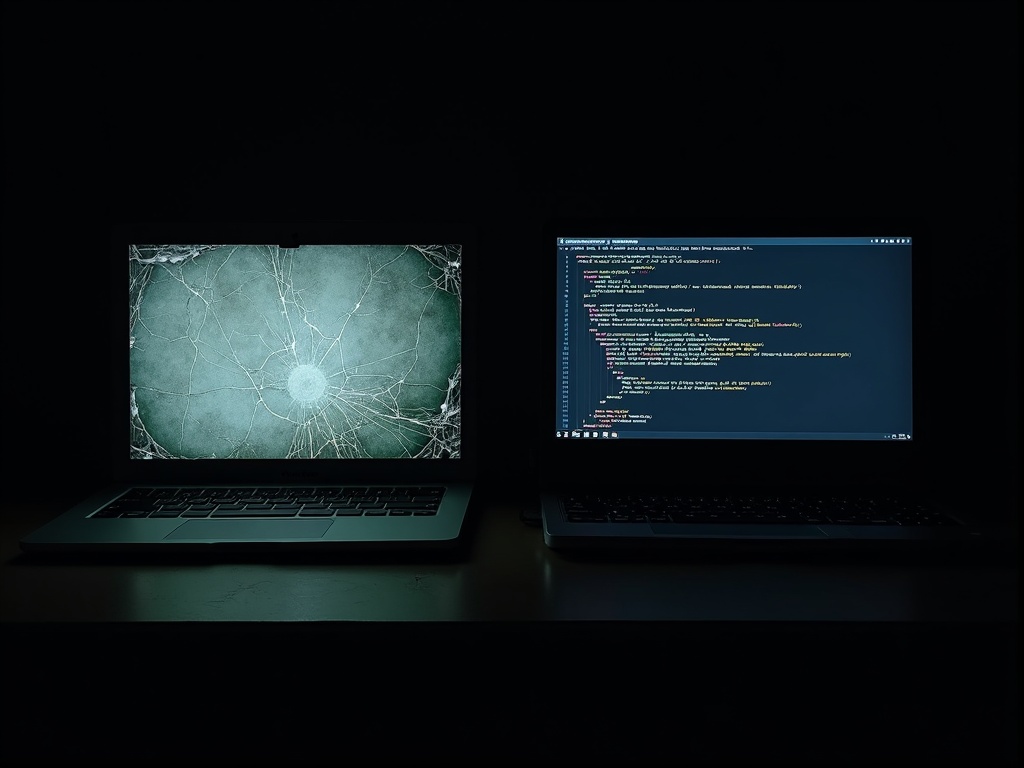
As a development shop managing over 30 client projects, our technology choices carry real weight. After years of building and maintaining WordPress sites, we made a decision: Astro is now the standard framework for all client web design builds going forward. We are migrating six existing WordPress sites (most built with Elementor or heavy template plugins) and converting several 100+ page static HTML sites. All new client work starts with Astro. This is not just a technical preference. It is a business decision driven by security, performance, cost, and the sanity of everyone involved in maintaining these sites.
The Security Problem
WordPress core gets patched regularly. The WordPress team does solid work on that front. But the real risk has never been the core platform. It is the plugin ecosystem. Every plugin you install introduces a new attack surface. A typical business WordPress site runs 15 to 30 plugins, and each one is maintained by an independent developer or small team with varying commitment to security practices.
This is not theoretical. Elementor alone has had multiple critical CVEs. Form plugins have been exploited for SQL injection. File upload plugins have allowed remote code execution. Every one of these plugins runs server-side PHP with full access to your database and file system. A single compromised plugin can expose your entire site to data theft, malware injection, or complete takeover.
Beyond plugins, the architecture itself creates risk. WordPress exposes a login page at a known URL that gets hammered with brute-force attacks daily. It maintains a live database connection on every page load. It executes PHP on every request. For a detailed breakdown of what to watch for, see our website security checklist.
Astro eliminates these attack vectors by design. It generates static HTML at build time. No PHP execution on the server. No database exposed to the web. No login page to brute force. No plugins running server-side code. The attack surface drops to nearly zero.
WordPress Attack Surface
PHP runtime, MySQL database, admin login, 15-30 plugins (each with server access), themes with executable code, XML-RPC endpoint, REST API, file upload handlers, cron jobs, session management.
Astro Attack Surface
Static HTML/CSS/JS files served from a CDN or simple web server. No server-side code execution, no exposed database, no login endpoint. Build process runs locally or in CI.
The Speed Problem
Elementor sites are slow. Not sometimes slow, not occasionally slow. Consistently, predictably slow. A typical Elementor page loads 2 to 4 megabytes of assets: jQuery (which Elementor still depends on), its own JavaScript libraries, render-blocking CSS from the theme and every active plugin, web fonts loaded inefficiently, and DOM structures nested five or six layers deep for simple layout tasks.
The result is Lighthouse scores in the 40s and 50s. Core Web Vitals failures across the board. Largest Contentful Paint times measured in seconds, not milliseconds. Cumulative Layout Shift from widgets loading asynchronously and pushing content around. These are not edge cases. This is the baseline for most Elementor builds.
Website speed is not a vanity metric. Google uses Core Web Vitals as a ranking signal, and users bounce from slow pages before they ever see your content.
Astro takes the opposite approach. It ships zero JavaScript to the browser by default. Pages are pre-built HTML that loads instantly. When you need interactivity (a contact form, a chat widget, a dynamic calculator), Astro's islands architecture hydrates only that specific component, not the entire page. Everything else stays as lightweight static HTML.
The performance difference is dramatic. Lighthouse scores jump from the 40s to 95+. Pages load in under a second. Core Web Vitals pass consistently. Google rewards this with better search rankings, and users stay on the site instead of bouncing.
The Maintenance Problem
Anyone who has managed WordPress sites for clients knows the "update and pray" workflow. A plugin releases a new version. You click update. The site breaks because the plugin conflicts with another plugin, or the theme, or the PHP version. Now you are debugging a production site at 10 PM because a client's contact form stopped working.
This is not an occasional inconvenience. It is a recurring cost of doing business with WordPress. Theme updates override custom CSS. PHP version upgrades break older plugins. WordPress core updates introduce compatibility issues with themes that have not been updated in six months. The maintenance burden scales linearly with the number of plugins installed, which means the more functional the site, the more fragile it becomes.
Astro sites have no runtime dependencies on the server. Once built and deployed, the site is a collection of static files. There are no plugins to update, no PHP versions to manage, no database to optimize. Changes go through a development workflow: edit the code, test locally, build, deploy. If something goes wrong, you roll back to the previous deployment. The entire process is predictable and repeatable. We wrote about this broader shift in our post on why static sites are back.
The Cost Problem
WordPress is "free" the way a puppy is free. The software costs nothing, but the ongoing expenses add up fast. A typical business WordPress site carries these annual costs:
- Elementor Pro: $59 to $99/year
- Yoast SEO Premium: $99/year
- Premium theme license: $59 to $129/year
- Managed WordPress hosting: $25 to $50/month ($300 to $600/year)
- Security plugin (Wordfence/Sucuri): $99 to $199/year
- Backup plugin: $50 to $100/year
That is $600 to $1,000 per year, per site, before any development work. Multiply across 10 client sites and you are looking at $6,000 to $10,000 in recurring fees for software that creates security vulnerabilities and performance problems.
Astro is open source. Hosting a static Astro site on a VPS costs $5 to $12 per month. No plugin licenses. No premium themes. No managed hosting premium. No security monitoring subscription (because the attack surface barely exists). The savings are substantial and compound across every site in your portfolio.
What About the CMS?
The obvious question: if you drop WordPress, how do clients manage their content? They still need to update pages, publish blog posts, and manage their sites without calling a developer for every text change.
Instead of replacing WordPress with another SaaS dependency (Sanity at $99/seat/month, Contentful at $300/month), we built a custom headless CMS. It runs on FastAPI and MariaDB, includes an AI-powered editor that lets clients describe changes in plain language, and feeds content to Astro sites through a JSON API. No per-seat fees, no vendor lock-in, and it works across all our client sites. We will cover the full technical story in an upcoming post: Building a Custom Headless CMS for Astro.
WordPress solved a real problem when it launched. It made website creation accessible to millions of people. But for content-first business websites in 2026, the security risks of the plugin ecosystem, the performance costs of its architecture, and the ongoing maintenance burden no longer justify it as a default choice. Astro gives you a modern developer experience with static-site security and speed, and when paired with a headless CMS, your clients lose nothing in terms of content management. The math is straightforward: better security, faster pages, lower costs, less maintenance. That is why every new client site we build starts with Astro. If you are ready to move off WordPress, reach out and we will walk you through the process.